

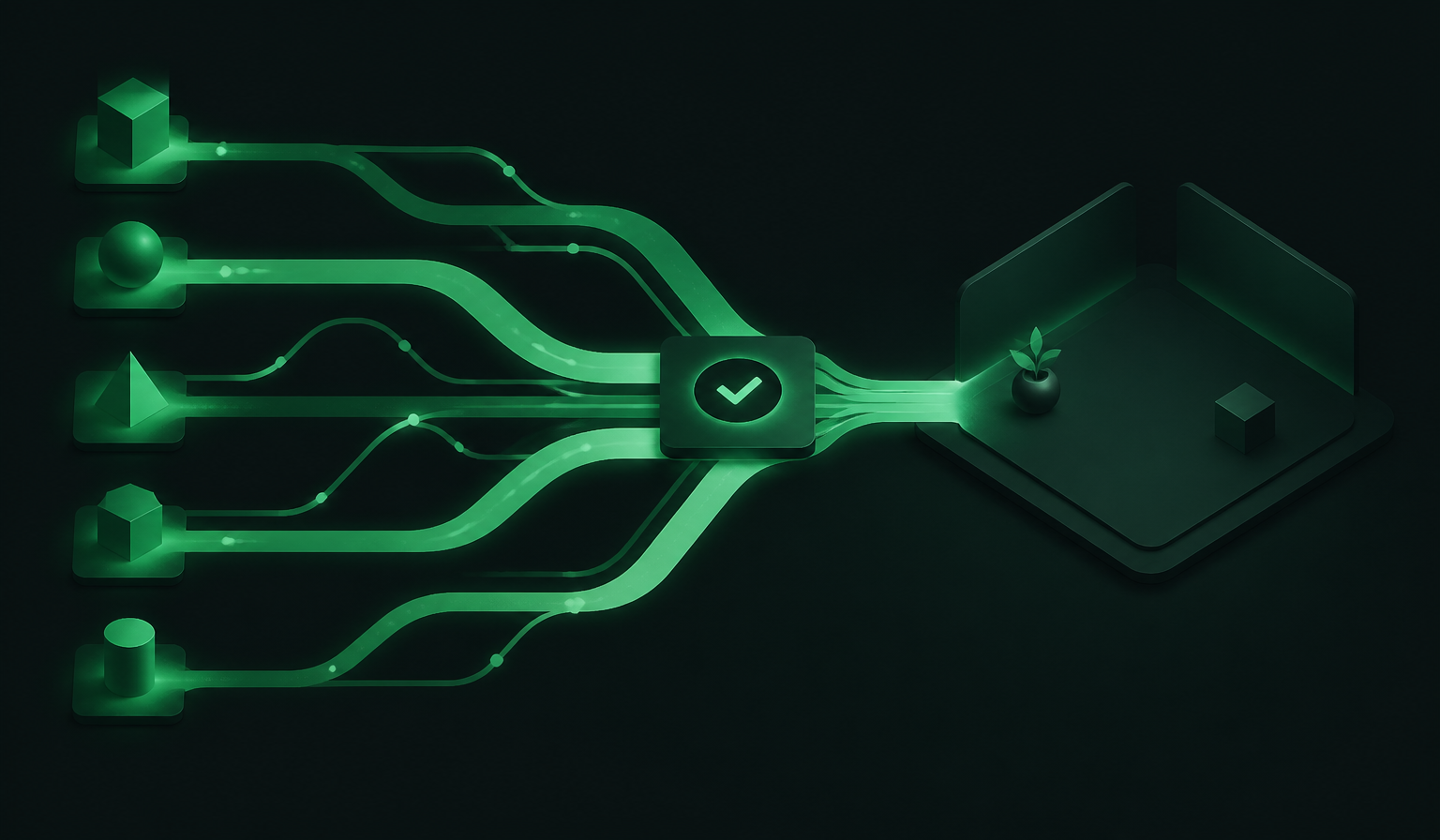
I use more than one coding agent because different agents are good at different parts of a job. One might be better at exploring an unfamiliar repository. Another might be the one I trust to make a large edit. A third can review the result with a fresh context.
The hard part is not starting another process. It is keeping the work understandable while several processes are running. Which branch did the edit land on? Where did the service start? Did the reviewer see the same files as the implementer? What is safe to merge?
I built Codius around that problem. The unit of work is a workspace, not a chat window. A workspace gives agents, terminals, browsers, diffs, and review a shared home. From there, I can keep agents together when they need to collaborate or give each one an isolated Git worktree when their edits should not collide.
This is the workflow I recommend when you want multiple agents working on one task without turning your desktop into a collection of unrelated terminals.
It is also a practical follow-up to why I built Codius. The workspace handles where the work happens; cost-normalized usage explains how I think about shared model access when several sessions draw from the same plan.
Start with the workspace
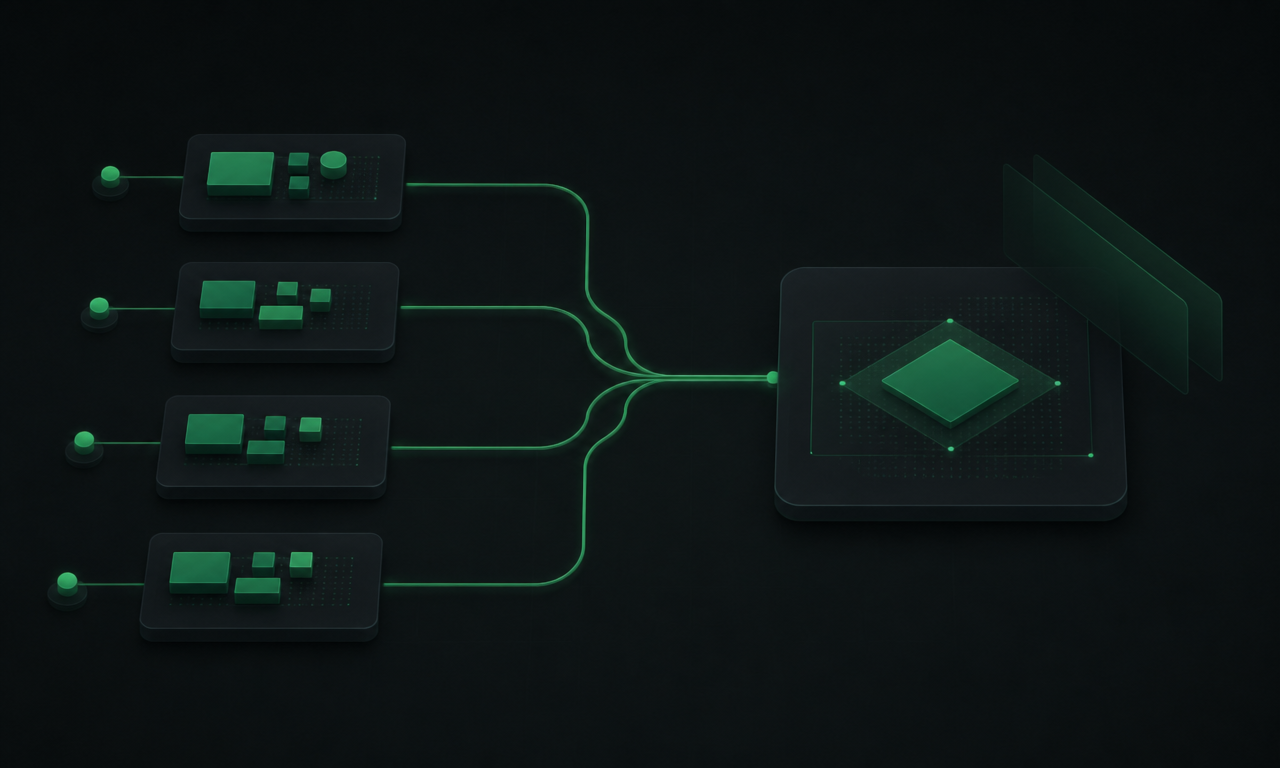
In Codius, a project can contain several workspaces. A workspace has a working directory and can contain multiple sessions at the same time. Each session opens as a tab, so an agent, a terminal, a browser, and another agent can all belong to the same task.
That gives me a simple structure:
storefront
├── main
├── checkout-retries
└── pricing-tests
The names are not important. The boundary is. If I am fixing checkout retries, the workspace can hold the implementer, the test runner, the local service, and the reviewer. I do not have to reconstruct the task from several shells after the fact.
When I create a workspace, I choose how its files should be handled:
localpoints at an existing directory, such as my main checkout. It is useful when sessions should share the files already on disk.worktreecreates or opens a managed Git worktree. It gives the task its own directory and branch.
I can create either from the App or from the Codius CLI:
codius workspace create --isolation local --path ~/dev/storefront --title main
codius workspace create --isolation worktree --path ~/dev/storefront --base main
Creating a workspace does not force me to start an agent immediately. I can open a terminal, start a service, or inspect the repository first. That is useful for planning a task before I spend a model turn on it.
Give one agent the orchestration role
The first step for agent-to-agent work is enabling Codius tools. In the App, I open Settings → my host → Agents and turn on Enable Codius tools. A new agent, or a reloaded existing agent, can then control the Codius daemon.
The agent can discover configured providers and models, create workspaces, launch other agents, send follow-ups, and create heartbeats or schedules. I do not need to name internal tools in the prompt. I can describe the workflow I want.
For example:
Stay as the orchestrator. Find the available models, create a worktree-isolated
workspace from main, and launch an implementation agent there. Ask it to add the
checkout retry handling, run the focused tests, and report back here.
This is different from a native subagent owned by one provider. A native subagent stays within that provider's own system. A Codius subagent is a full agent managed by the Codius daemon, so the orchestrator can choose another configured provider or model and can place the worker in the current workspace or a different one.
That provider boundary is useful in practice. I can ask one agent to inspect the code and write a plan, send the implementation to another agent, then use a third agent for review. Codex, Claude Code, OpenCode, Pi, and the other agents in the Codius integrations catalog are partners in that workflow. Codius coordinates the sessions around them.
If the agent creates another agent without a workspace ID, the new agent becomes its subagent in the same workspace. Passing a workspace ID changes where the new agent works, but not who its parent is. That small distinction prevents a common mistake: assuming that moving an agent to another workspace also turns it into an independent top-level session.
Use worktrees when edits can collide
Shared files are useful for collaboration, but they are the wrong default for independent edits. If two agents may change overlapping code, I give each task a worktree-backed workspace.
The worktree flow is deliberately ordinary Git work:
- Create a workspace with worktree isolation.
- Let Codius create the directory and branch from the selected base.
- Launch one or more agents in that workspace.
- Review the diff against the base branch.
- Merge or archive the workspace when the work is complete.
For example, I can give the implementation task its own branch:
codius workspace create \
  --isolation worktree \
  --mode branch-off \
  --new-branch fix/checkout-retries \
  --worktree-slug checkout-retries \
  --base main
The worktree is separate from the source checkout, so another agent can work on a different branch without rewriting the files underneath it. This is the part that makes parallel edits manageable. The workspace provides the shared view; Git provides the boundary.
I can also open an existing branch or a pull request in its own workspace. If the repository needs setup, a committed codius.json can define a setup hook, teardown hook, scripts, terminals, and long-running services:
{
  "worktree": {
    "setup": "npm ci"
  },
  "scripts": {
    "test": { "command": "npm test" },
    "web": {
      "type": "service",
      "command": "npm run dev -- --port $CODIUS_PORT",
      "port": 3000
    }
  }
}
The setup hook runs after the worktree is created. A service gets a Codius-assigned port and a reverse-proxy URL, which lets multiple copies of the same application run at once. That means an agent can edit one worktree while I inspect its running app in a browser without disturbing the main checkout.
Separate research from implementation
Not every task needs a new branch. Read-only research is a good example.
I can ask three Codius subagents to share the current workspace and give each one a narrow question:
Create three read-only subagents in this workspace. Have one trace the request
path, one inspect the tests, and one look for related regressions. Do not edit
files. Synthesize their findings when all three report back.
Because none of them writes files, they can share the workspace without stepping on one another. Their conversations appear in the Subagents track above the composer, and I can open each row to read the live session.
When the work changes from research to implementation, I switch to isolated workspaces. The rule is simple:
- share a workspace for read-only investigation or deliberate collaboration;
- use separate worktrees for independent edits;
- keep related agents in the same worktree when they need to inspect and improve the same change.
That last case is useful for implementation and review.
Implement, then review in the same workspace
After the implementation agent finishes, I create a second agent in the same worktree and ask it to review the diff:
Create a second subagent in this workspace to review the implementation. Check
the diff for correctness, missing tests, and unnecessary complexity. Do not
rewrite the feature without reporting the findings first.
The reviewer sees the worker's files, but it does not inherit the worker's conversation context. That is a useful separation. The reviewer can judge the code that exists rather than agreeing with a story about how it was written.
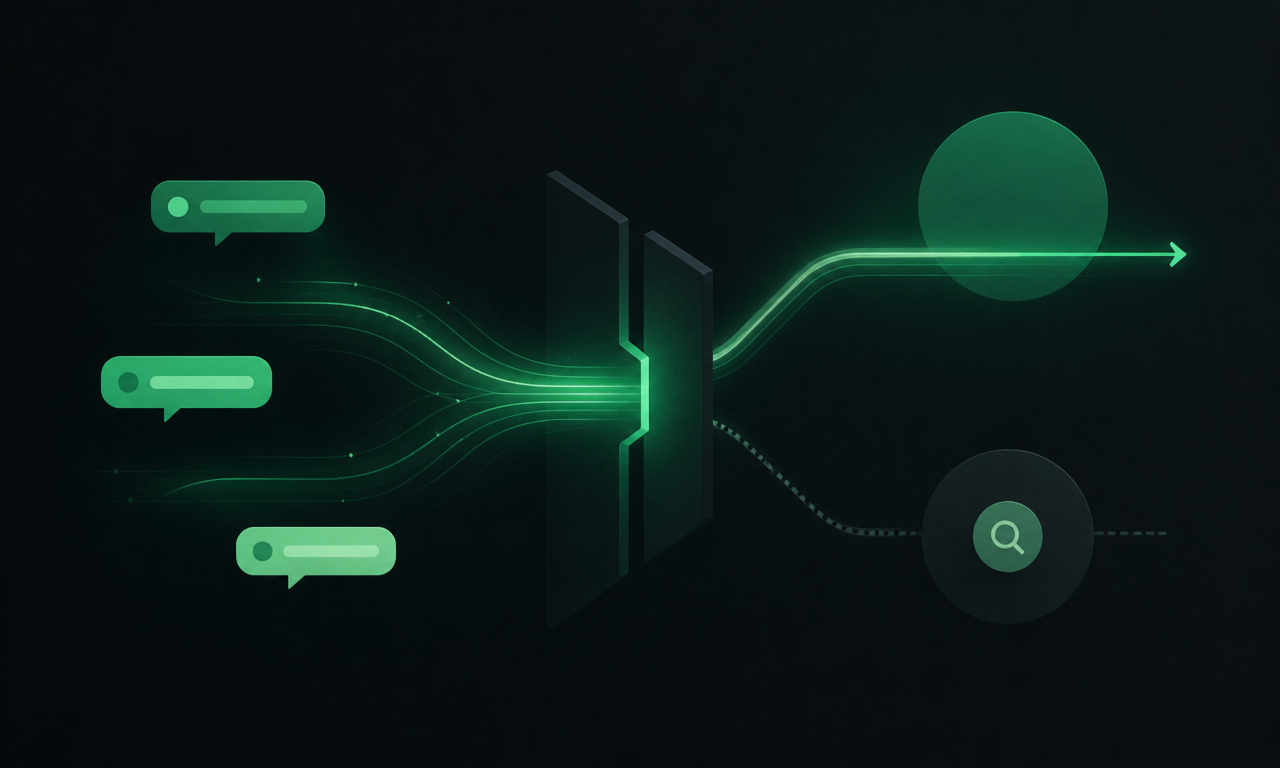
Both Codius subagents appear as full sessions in the Subagents track. I can talk to either one, change its settings, or archive it. Provider-native subagents appear there too, but as read-only timelines because their provider owns the lifecycle.
The workspace keeps the rest of the evidence close by. I can inspect the conversation, open a terminal for the focused test, view the diff, and check a local service in the browser. Codius's browser tools are workspace-scoped, so an agent only sees and controls tabs in its own workspace.
I still make the merge decision. The point is not to make review disappear. The point is to make the review surface hard to lose.
Keep the workflow alive without another chat window
Some tasks need a follow-up, not a new plan. I can redirect an existing worker:
Tell the checkout worker to add the malformed-input test and rerun its test file.For work that should continue checking the same conversation, I use a heartbeat:
Use Codius to create a heartbeat every 10 minutes. Keep checking this pull
request, fix new CI failures, and stop when all checks pass or after two hours.
A heartbeat sends a prompt back into the same agent on a cron cadence. A schedule is a better fit for standalone recurring work such as daily triage. The CLI exposes those operations too, so I can manage agents, workspaces, schedules, hosts, and daemons from a terminal when I do not want to open the full App.
The work also stays visible when I move between devices. Codius App runs across desktop, mobile, and web, and its workspace model keeps sessions grouped rather than turning each device into a new source of truth.
A practical recipe
When I start a multi-agent task, I use this sequence:
- Open or create a workspace for the repository.
- Decide whether the work is read-only, shared, or independent. Use local isolation for shared files and worktree isolation for independent edits.
- Start an orchestrator and enable Codius tools for its host.
- Ask it to inspect available providers and models before choosing a worker.
- Give the implementation agent a narrow task and a focused verification command.
- Create a reviewer in the same worktree after the implementation is ready.
- Inspect the diff, the test output, the agent conversations, and any running service.
- Merge or archive the workspace, then add a heartbeat or schedule only if the work needs to repeat.
The workflow is intentionally boring. That is a compliment. I want the agents to be interesting and the boundaries around them to be predictable.
Codius does not replace Codex, Claude Code, OpenCode, or another agent you already use. It gives those agents a place to work together, with the Git and review context still attached. If you want one connected model setup across compatible sessions, the Codius models guide covers that path. To try the workflow, download Codius, read the App guide, and start with the orchestration docs. The security page explains what stays on your host and what leaves it, and pricing covers the optional hosted model plans.
I built Codius because running several agents should create more leverage, not more tabs to babysit. A workspace is the smallest useful boundary I have found: big enough for agents, tools, and evidence to stay together, and explicit enough that parallel work can remain safe.